
ColorSquid — Mac download
Ticked
Version 1.2.2 of ColorSquid fixes two things: the UI no longer stops working after you close and reopen the window, and .clr files now open correctly from the Recent Documents menu. If you had either issue, this update sorts it.
What ColorSquid does
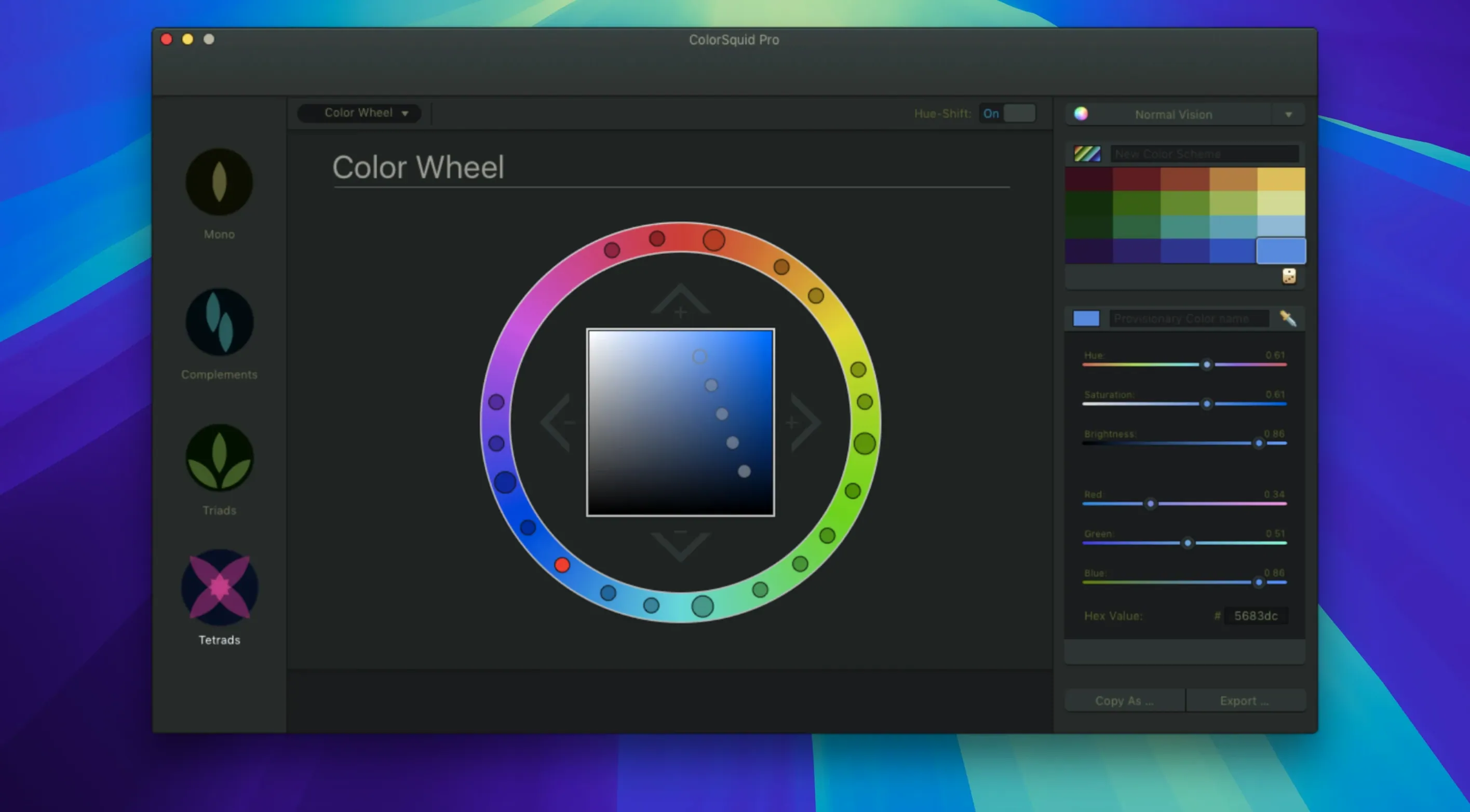
- Creates colour schemes and palettes using colour theory — complementary, analogous, triadic, and more.
- Supports .aco palette files from Adobe apps, so it fits alongside Photoshop or Illustrator.
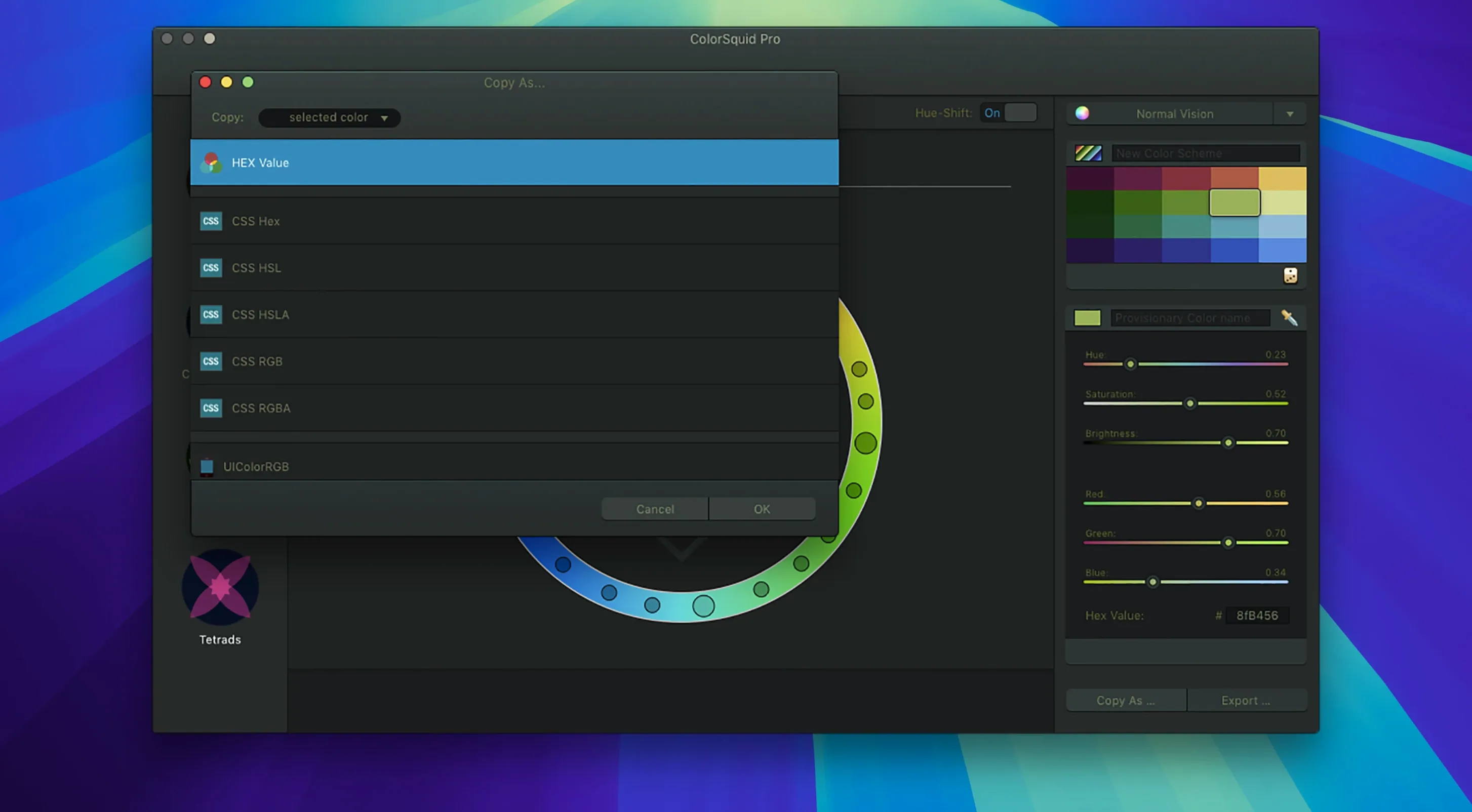
- Copies colours in CSS, UIColor, Swift, Android XML, and other formats. No manual conversion.
- Includes contrast checking for accessibility standards.
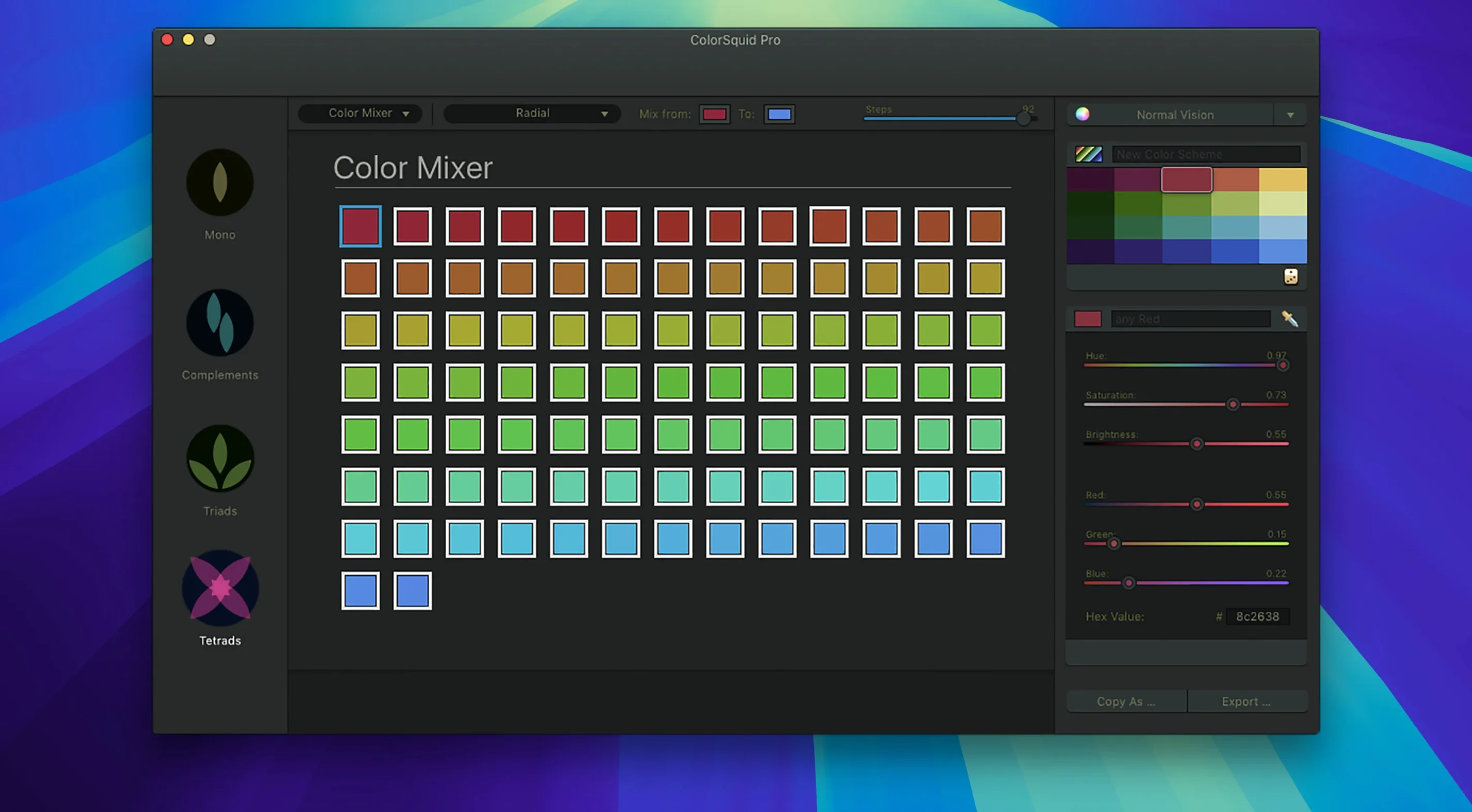
- Has a Color Mixer mode with sliders for brightness, saturation, and hue.
How it fits your workflow
If you already use a colour picker or a design tool, ColorSquid sits beside them. You build palettes on the colour wheel, export them as .aco for Adobe, or copy the colour values straight into your code editor. The contrast checker saves a trip to a separate accessibility tool. It is a focused utility — one job, done well.
Snappy colour wheel and near‑instant mode switching on Intel Macs
The colour wheel redraws instantly as you drag sliders, and switching between Color Wheel, Color Mixer and Color Variants modes is near‑instant. I have not seen the app stutter even with several palettes open at once.
The only stability issue I have hit is the now‑fixed UI crash after closing and reopening the window. That is gone in 1.2.2, so the app feels solid for day‑to‑day palette work.
Workflow: building a palette for a web project
- Open ColorSquid and set the base colour you want to work from in the Color Wheel mode.
- Use the Color Variants mode to generate a set of lighter tints and darker shadows from that base.
- Switch to the Color Mixer to fine‑tune two or three of those variants by adjusting brightness and saturation sliders.
- Run the contrast checker on the final colours to make sure text on each background passes accessibility guidelines.
- Select all the colours (Shift‑click or Cmd‑click) and copy them as CSS variables. Paste straight into your stylesheet.
- If your team uses Adobe software, export the palette as a .aco file and share it via your project folder.
This whole sequence takes a couple of minutes and avoids leaving the app or opening a separate accessibility tool. For a quick palette tweak during a coding session, it is exactly what I want.
- Fixed a bug where the UI could stop working after the window was closed and reopened.
- Corrected opening of .clr files from the Recent Documents menu.
- macOS OS X 10.10 or later
- 64-bit Intel processor
- Interface language: English
Questions the team asks
Yes. It reads and writes .aco files, which are used by Photoshop, Illustrator, and other Adobe applications.
You can copy colours as CSS, UIColor, Swift, Android XML, and several other formats.
Yes. ColorSquid includes a contrast checker that helps you meet accessibility standards.







Comments 0
Sign in or create an account to add a comment.
No comments yet. They go up after moderation.