

CorelCAD — Mac download
Download (293 MB) Earlier builds
Ticked
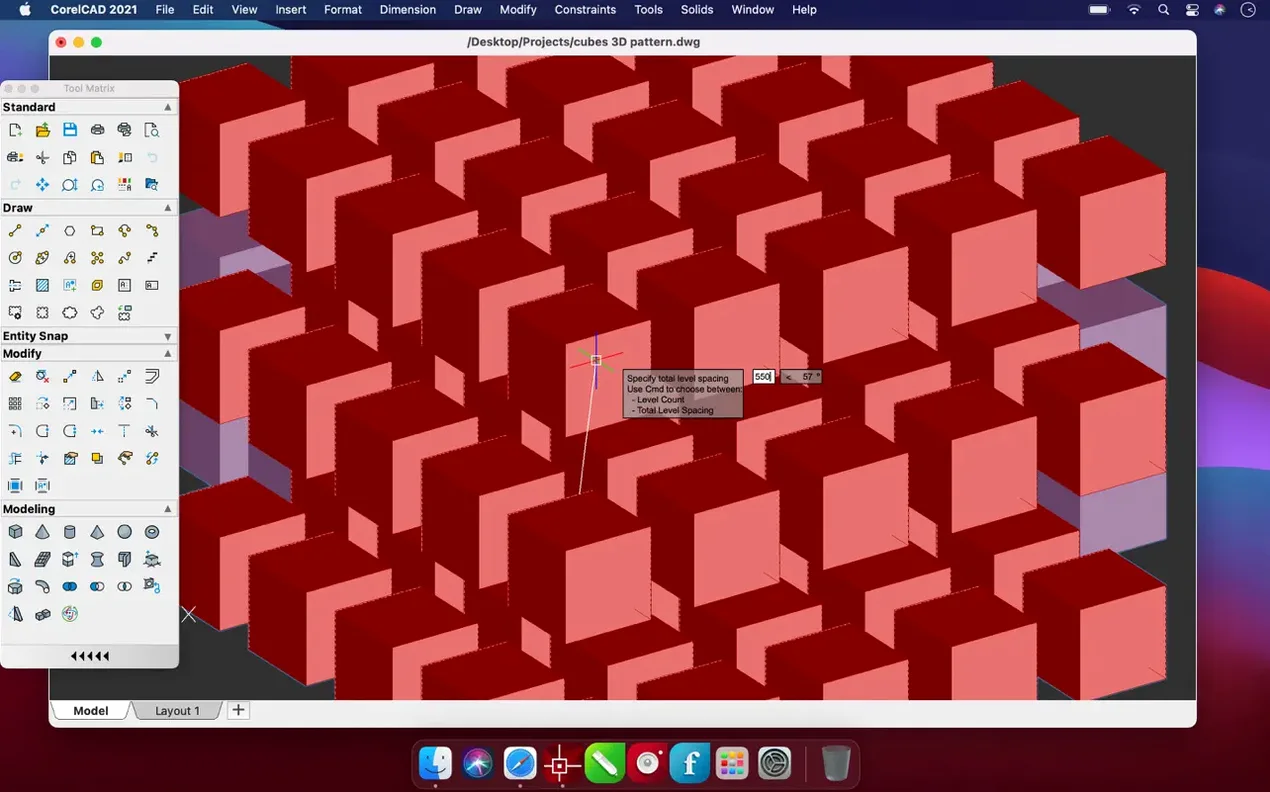
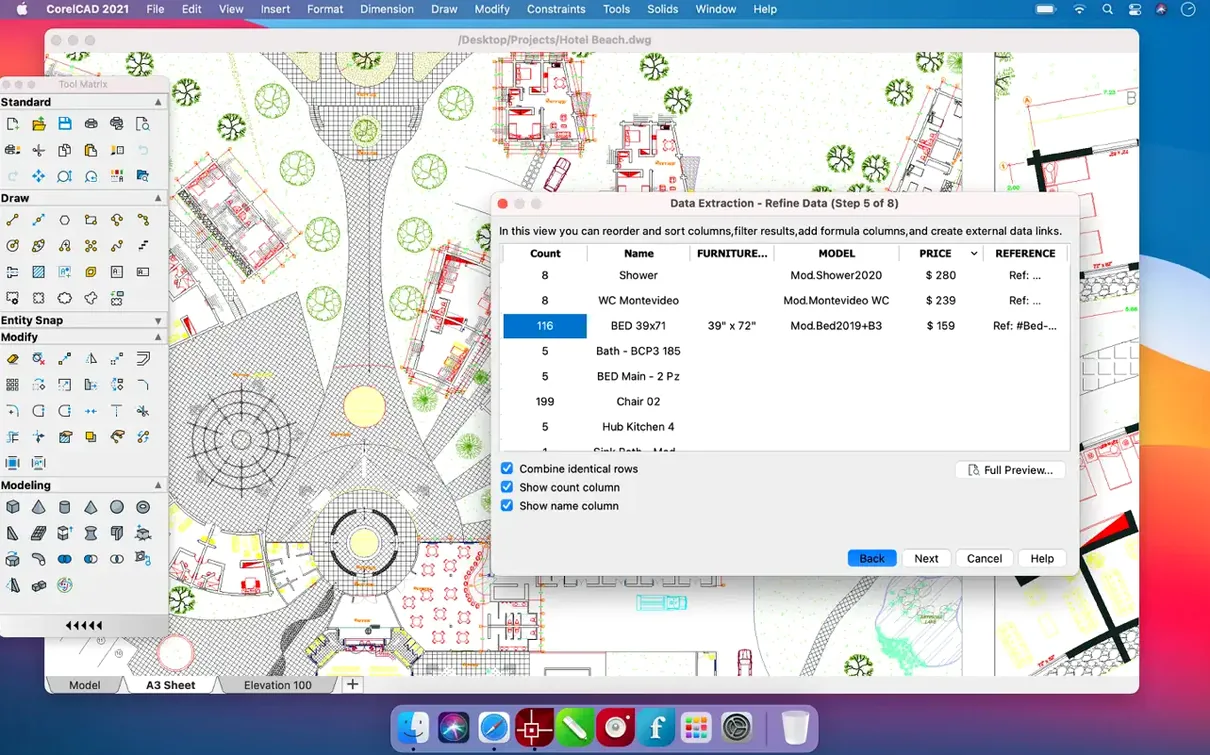
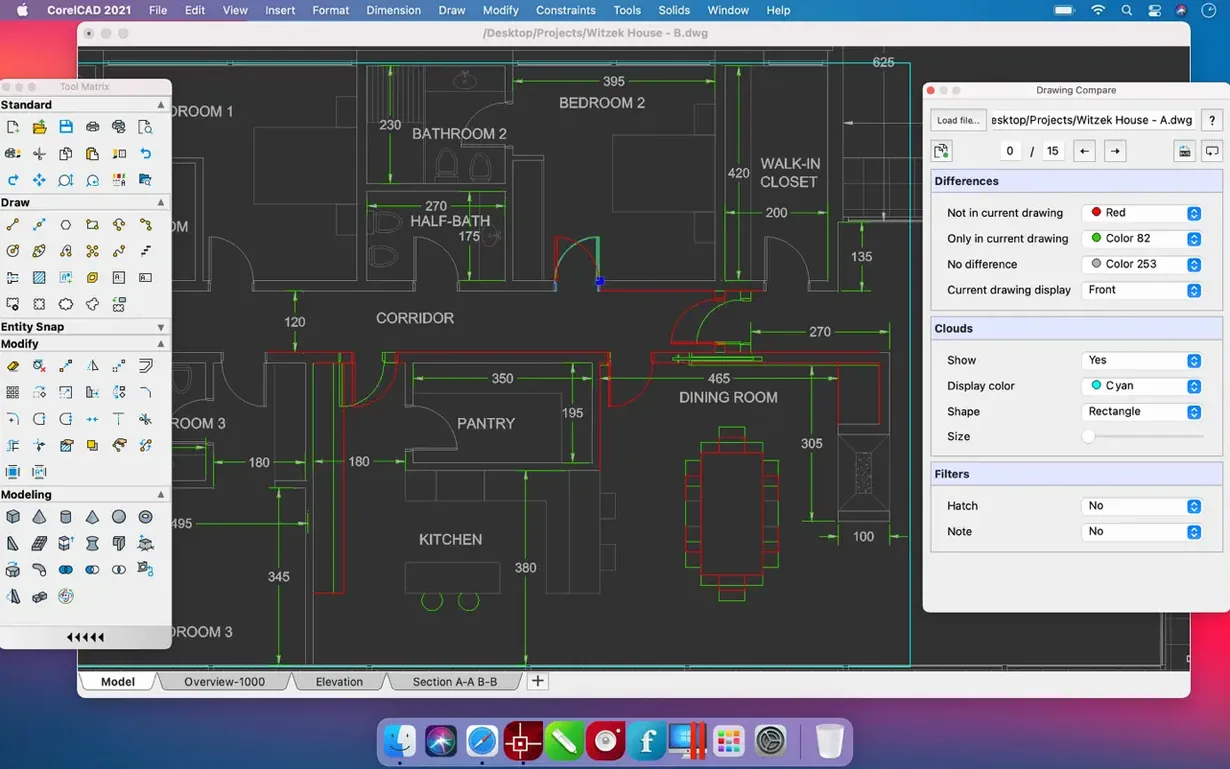
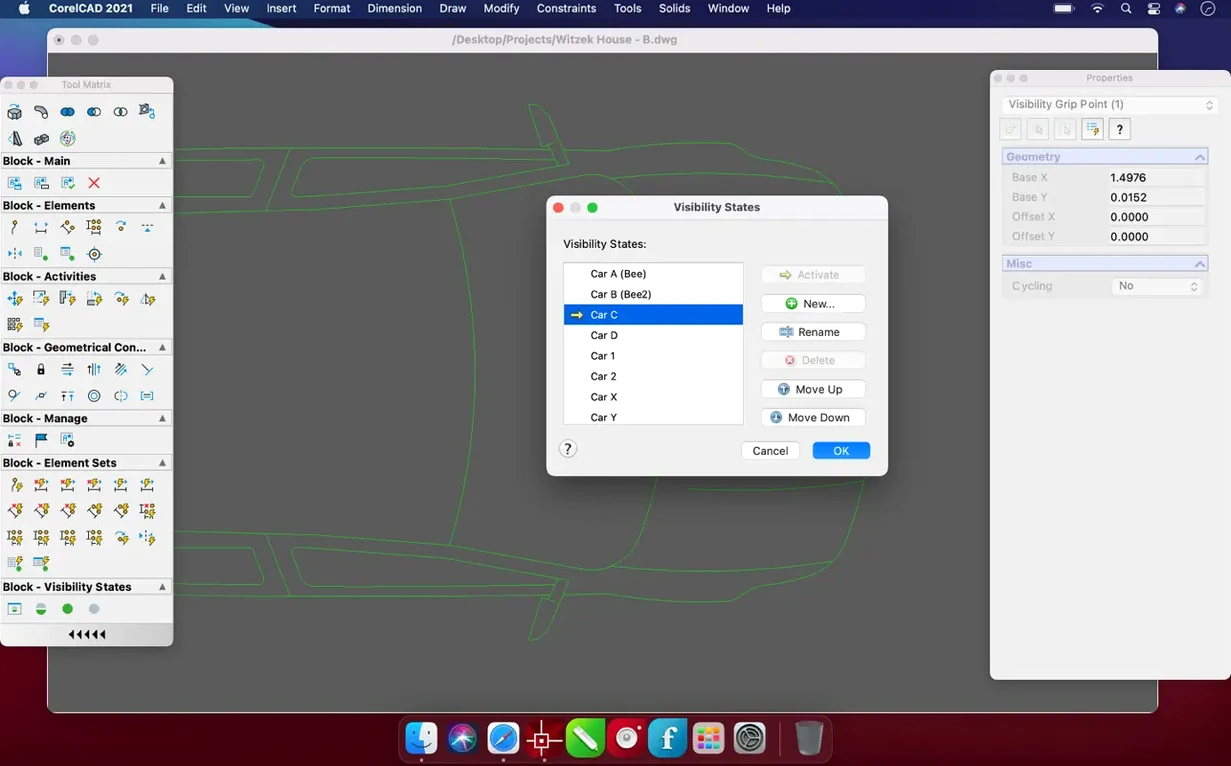
PushPull tool. That’s the one that turns a flat office floorplan into a 3D walkthrough model before the coffee break ends. CorelCAD does this without leaving the DWG ecosystem, which keeps the geometry clean for the engineer who picks up the file next.
| Quick facts | |
|---|---|
| Version | 2022.5 Build 22.3.1.4090 |
| Developer | Corel Corporation |
| macOS | 10.14 and later |
Good for technical drawings that need to survive a round-trip to AutoCAD. The native DWG support means no translation headaches. Draw in 2D, add dimensions, then extrude, revolve, or loft the geometry into a solid. The interface stays out of the way — tools appear when they make sense for the task. A drawing layout mode handles viewports and annotations for printing, while the modelling side handles Boolean operations on solids. Thirteen interface languages cover teams from Prague to Tokyo. One file format, many outputs.
Stability fixes aimed at long sessions and file opens
Build 22.3.1.4090 shipped with stability fixes that show up in two places: long editing sessions and file open operations. The main enhancement list from the 2023.5 update points to performance improvements. In everyday use, that translates to less beachballing when orbiting a complex 3D model and fewer unexplained quits after the sixth DWG export of the morning.
The update also tightened how the application handles viewport regeneration. Switching between paper space and model space in layouts now resolves faster. For anyone who works with multiple floating viewports on a single sheet, the redraw lag that used to accumulate after the third viewport is largely gone.
A structural engineer's afternoon
A small-practice structural engineer downloads CorelCAD specifically for a steel-frame extension drawing that arrived as a DWG from the architect. The file opens without a proxy-object warning — the beam callouts and grid lines are intact. She checks the layer organisation first, then strips out the interior partitions to isolate the frame.
She adds a detail callout block to the foundation corner, exports a DWF for the contractor to mark up on a tablet, and saves back to DWG. No conversion, no import dialogue with fifteen checkboxes to second-guess. The file goes straight back to the architect's AutoCAD without a repair prompt. That round-trip reliability is the whole reason she keeps a copy installed alongside her main analysis tools.
Eyeballing line lengths instead of typing @500,0
- Ignoring the coordinate input field. Typing
@500,0instead of eyeballing a line length guarantees precision. New users drag and click by habit, then wonder why dimensions don't add up later. - Modelling on layer 0. It works for a quick test, but once the drawing hits fifteen layers of services, plumbing, and structural grids, untangling objects from layer 0 becomes a morning's work. Assign layers from the first line drawn.
- Skipping the DWS check. CorelCAD can validate against a drawing standards file. Beginners finish a layout, print it, and only then discover text heights violate the office template. Run the check before the export, not after.
- Using PushPull on a surface instead of a region. A surface extrudes into an empty shell. A region turns into a solid. The difference matters when the file heads to a 3D printer or a structural analysis package that expects closed volumes.
- Build 22.3.1.4090 includes several enhancements.
- Performance and stability improvements applied.
- macOS 10.14 or later
- Intel and Apple Silicon Macs







Comments 0
Sign in or create an account to add a comment.
No comments yet. They go up after moderation.