

CorelDRAW — Mac download
Download (2.1 GB) Earlier builds
Ticked
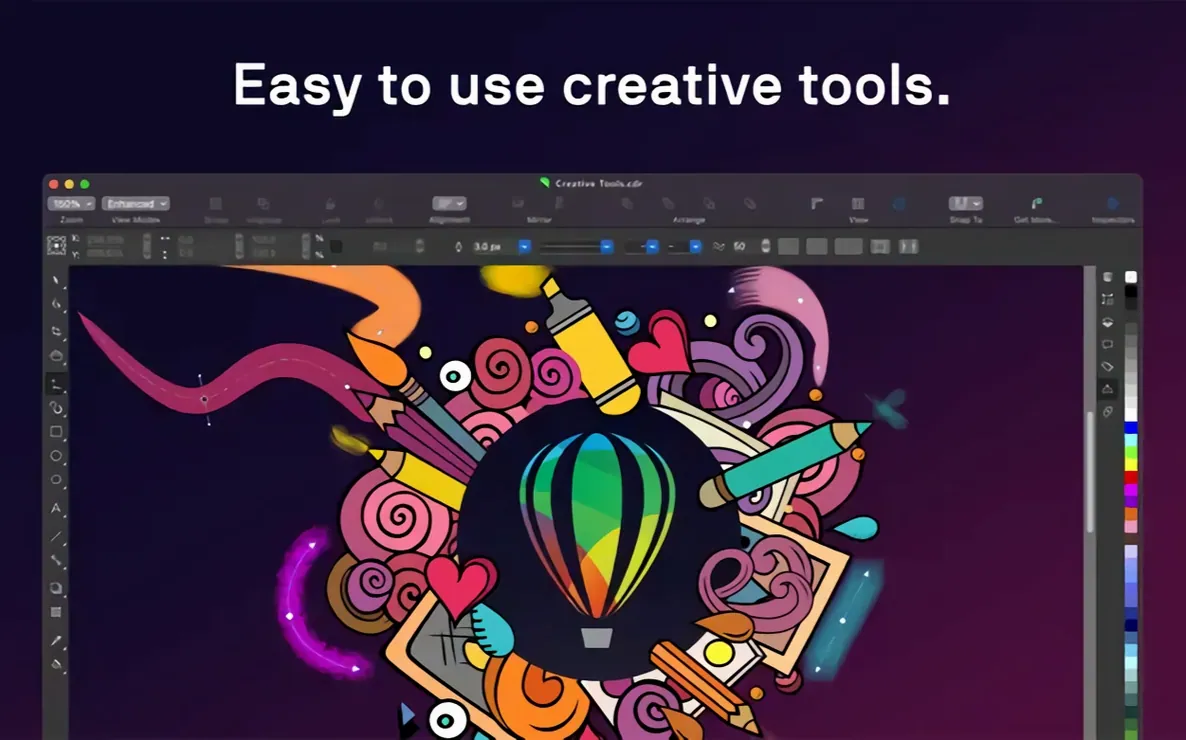
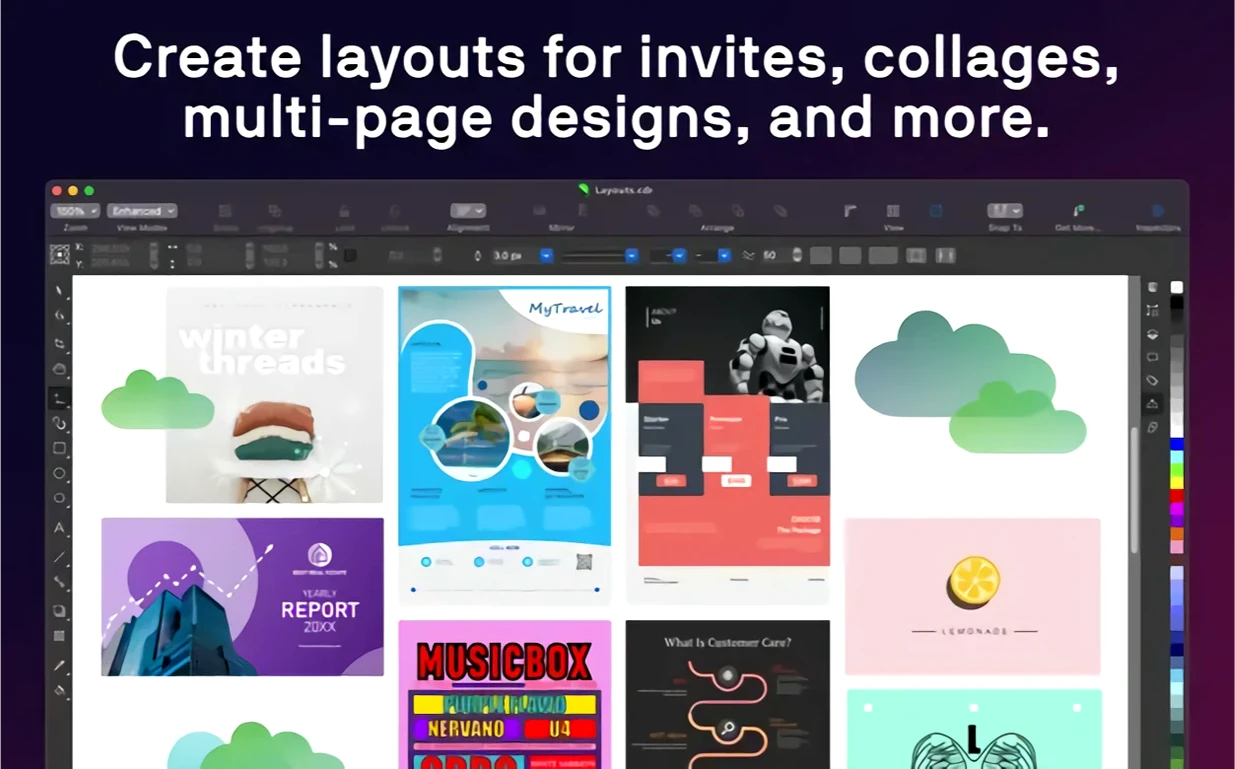
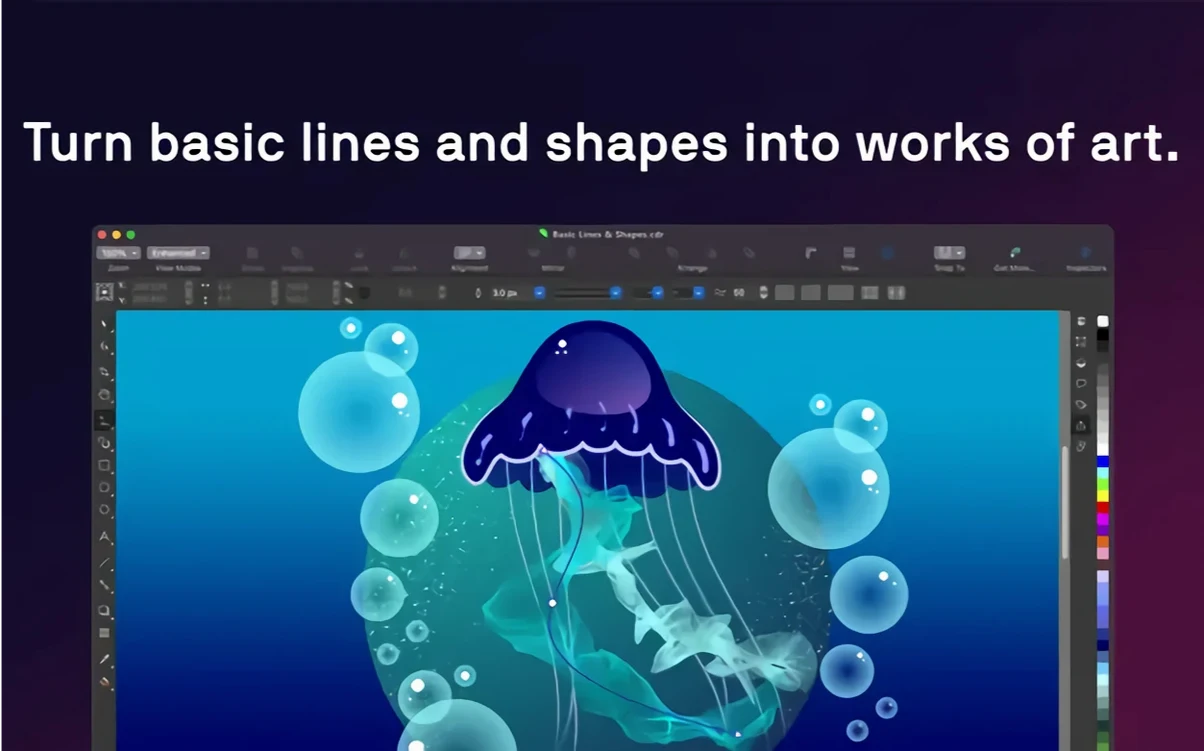
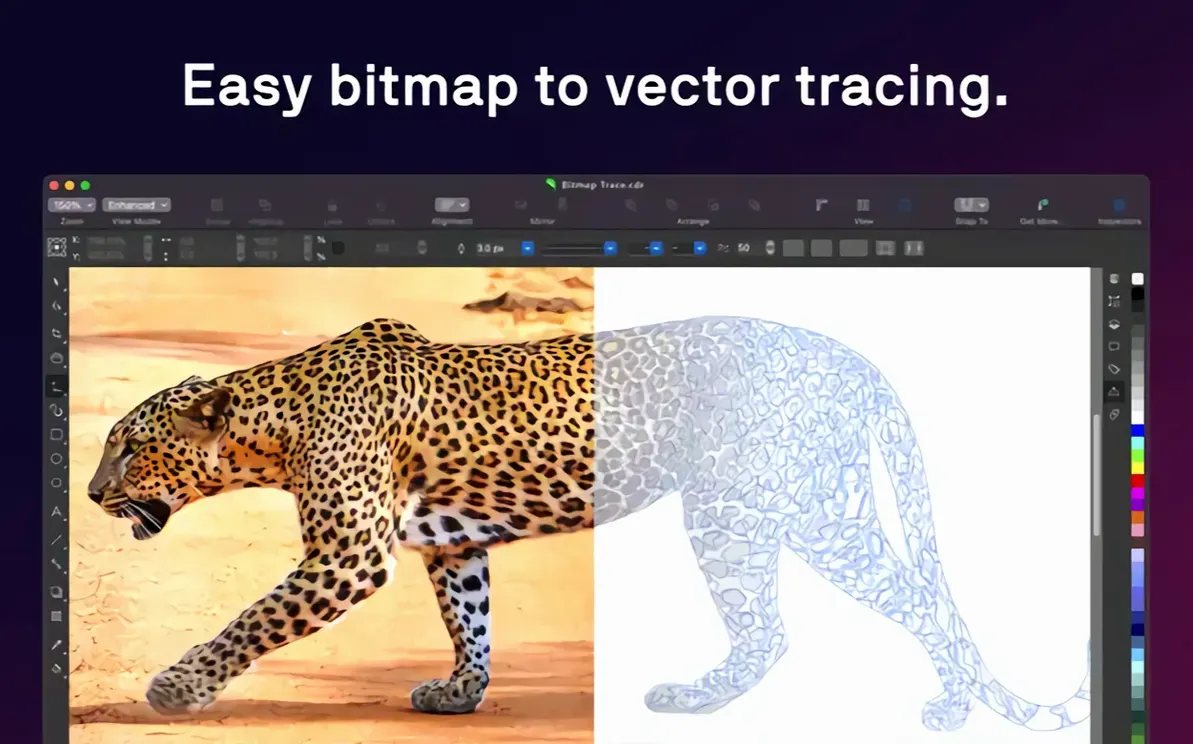
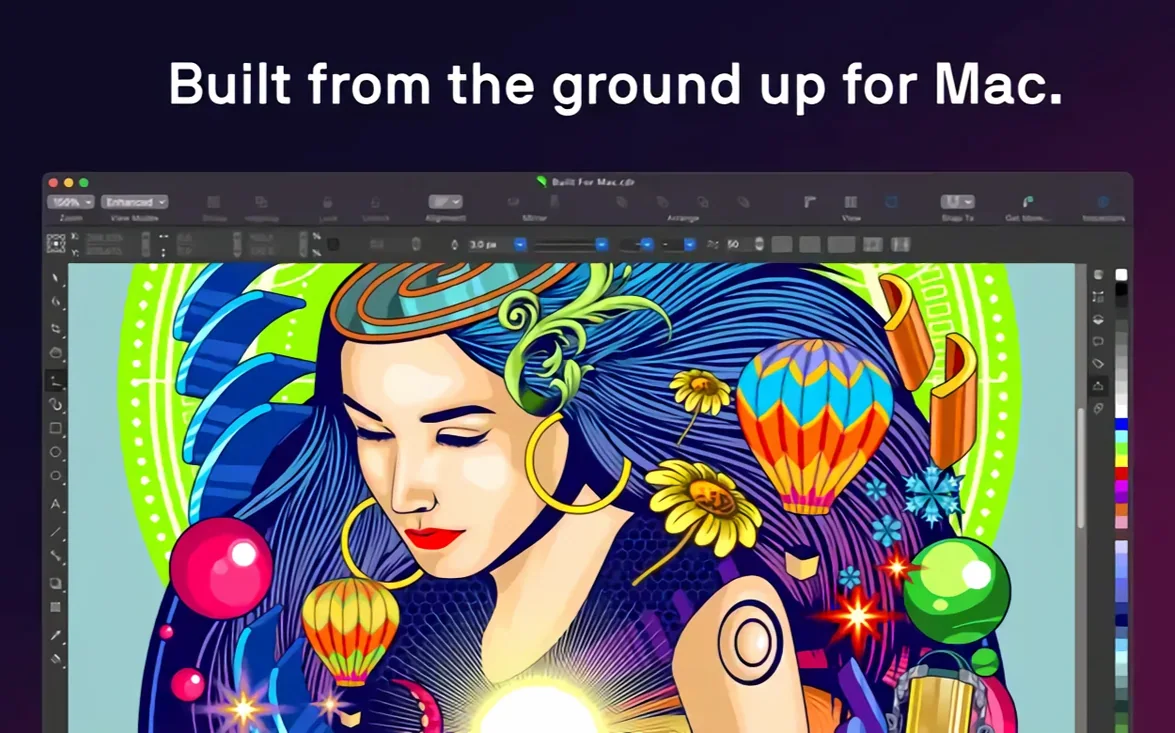
Version 27.2.0.135 lands on the Mac with a clean set of updates under the hood. The toolset stays focused on three jobs: vector work, page layout, and photo editing — all inside one application.
Jobs the feature set handles
- Vector creation and editing. Draw from scratch, apply transparency, pattern fills, gradients, and fine-tune outline and fill colours.
- Multi-page layouts. Assemble brochures and multi-page documents with styles and style sets that format whole documents at once.
- Typography control. Adjust font, size, spacing, shadow, and outline across single objects or entire layouts.
- Photo editing. Edit raster images directly. The suite adds Corel PHOTO-PAINT for deeper retouching work.
- AI upscaling and artefact removal. Enlarge images and clean up JPEG compression artefacts with built-in AI tools.
Sidecar support on macOS
With Sidecar, an iPad running alongside your Mac becomes a drawing surface. Use Apple Pencil for precise vector edits and see the changes live on the Mac screen. Font management stays separate with the included Corel Font Manager, so you can browse and organise typefaces without slowing down the main workspace.
Design a simple flyer, end to end
A two-sided A5 flyer for a weekend market stall. That is the brief. Here is the workflow from blank canvas to print-ready PDF.
- Set up the document. File > New. Pick A5, landscape. Add a second page for the reverse side. Set 3 mm bleed on all edges.
- Build the background. Draw a rectangle across page one. Fill it with a two-colour gradient — pale cream to warm sand. Lock the object on the Object Manager docker.
- Bring in the photo. Import a stall photo (JPG or HEIF). Use the AI upscaling tool to clean up a slightly low-res shot. Remove JPEG artefacts in one click. Crop it with the PowerClip tool into an oval shape.
- Add text. Type the market name in a bold weight. Open the variable font panel under Text > Variable Fonts. Dial the weight slider until the headline sits just right. Add a sub-headline, tighter tracking, smaller size.
- Style the details. Create a paragraph style for the body text. Apply it to the date, time, and location block. Add a drop shadow to the headline only — just enough to lift it off the gradient.
- Page two layout. List stallholders in two columns. Use a style set to format the names, descriptions, and prices consistently across all entries. Draw a thin rule between columns.
- Final checks. Switch to the Print Preview. Confirm bleeds extend past the trim. Export as PDF, CMYK, with printers' marks. Done.
Drag a slider to shape live variable fonts
Version 27 brought a few changes that alter the rhythm of everyday work. The variable font support is the most noticeable. Instead of cycling through a dropdown of static weights, you drag a slider and watch text respond live. That alone cuts a small but frequent friction point when you are pairing headline and body weights.
AI upscaling appeared earlier in the suite and has since tightened up. The JPEG artefact removal now preserves finer texture detail — useful when a client sends a compressed social media image and you need to place it in a printed layout. Tracing raster to vector also improved, with fewer stray nodes on scans of line art.
On macOS, the native ARM build means the app launches faster on Apple Silicon Macs. Switching between the Draw and Layout personas feels snappier on an M-series machine. Touch Bar support remains for those on older MacBook Pro models, with quick access to layer visibility and text tools.
A packaging designer's Tuesday morning
A packaging designer opens CorelDRAW at 08:30. The brief: a carton sleeve for a small-batch coffee roaster. The dieline arrives as a DWG file from the structural engineer. She imports it, checks the layer structure, and locks the dieline layer immediately.
She pulls the roaster's logo from a PDF into the design. It lands as editable vector shapes. She applies a gold foil effect using a gradient and a soft bevel — no need to switch to a raster app. For the tasting notes on the side panel, she sets body copy in a variable font, tightening the width just enough to fit three lines into the space for two. Corel Font Manager sits in a separate window, letting her toggle between the brand typeface and an alternative for the small print without closing the document.
By 10:00 the sleeve is approved. She exports a press-ready PDF and a flattened PNG for the client's email. One application handled the whole job.
What to check before the installer runs
Runs ARM-native, no Rosetta required
Yes. The application includes an ARM build. No Rosetta translation needed on M1, M2, M3, or M4 Macs. The installer detects the architecture and places the correct binary.
Can I open and edit Adobe Illustrator files?
AI files open natively. Editable layers, text, and vector paths come across. Complex gradient meshes or newer AI-only effects may flatten, but basic and intermediate files transfer cleanly. PSD and PDF import work the same way.
Is a Sidecar iPad setup practical for illustration?
For vector inking and precise node editing, yes. Apple Pencil input feels direct. The Mac screen mirrors the workspace while the iPad shows the canvas. It is not a full second screen setup — it mirrors the main view — but for detail work it is responsive.
Export PDFs with bleed and spot colours built in
PDF, EPS, TIFF, and CDR are all available. You can include bleed, crop marks, and colour profiles in the export dialogue. CMYK and spot colour support is built in for commercial offset printing.
Does the suite include photo retouching tools?
Yes. Corel PHOTO-PAINT installs alongside the main application. It handles clone stamping, healing, colour grading, and masking. For quick edits inside a layout, the basic photo tools live inside CorelDRAW itself.
- macOS 13 or later
- Apple Silicon or multicore Intel processor with AVX2 support
Questions the team asks
Yes. The Mac version runs on Apple Silicon and multicore Intel processors with AVX2 support, requiring macOS 13 or later.
Yes. Sidecar support lets you use an iPad and Apple Pencil as a drawing tablet, with changes appearing on the Mac screen in real time.
The suite includes CorelDRAW for vector and layout work, Corel PHOTO-PAINT for photo editing, and Corel Font Manager for organising typefaces.







Comments 0
Sign in or create an account to add a comment.
No comments yet. They go up after moderation.