
FontLab — Mac download
Download (131 MB) Earlier builds
Ticked
Runs on Intel Macs from Catalina to Tahoe
FontLab 8.4 runs on macOS 10.15 through macOS 26 Tahoe. It is built for Intel Macs.
Precise mark positioning for Arabic and Hebrew
It supports Arabic and Hebrew, plus TrueType AAT fonts used for Indic and other complex writing systems. The shaping engine gives you precise control over mark positioning and contextual substitution.
What drawing and editing depth does it offer?
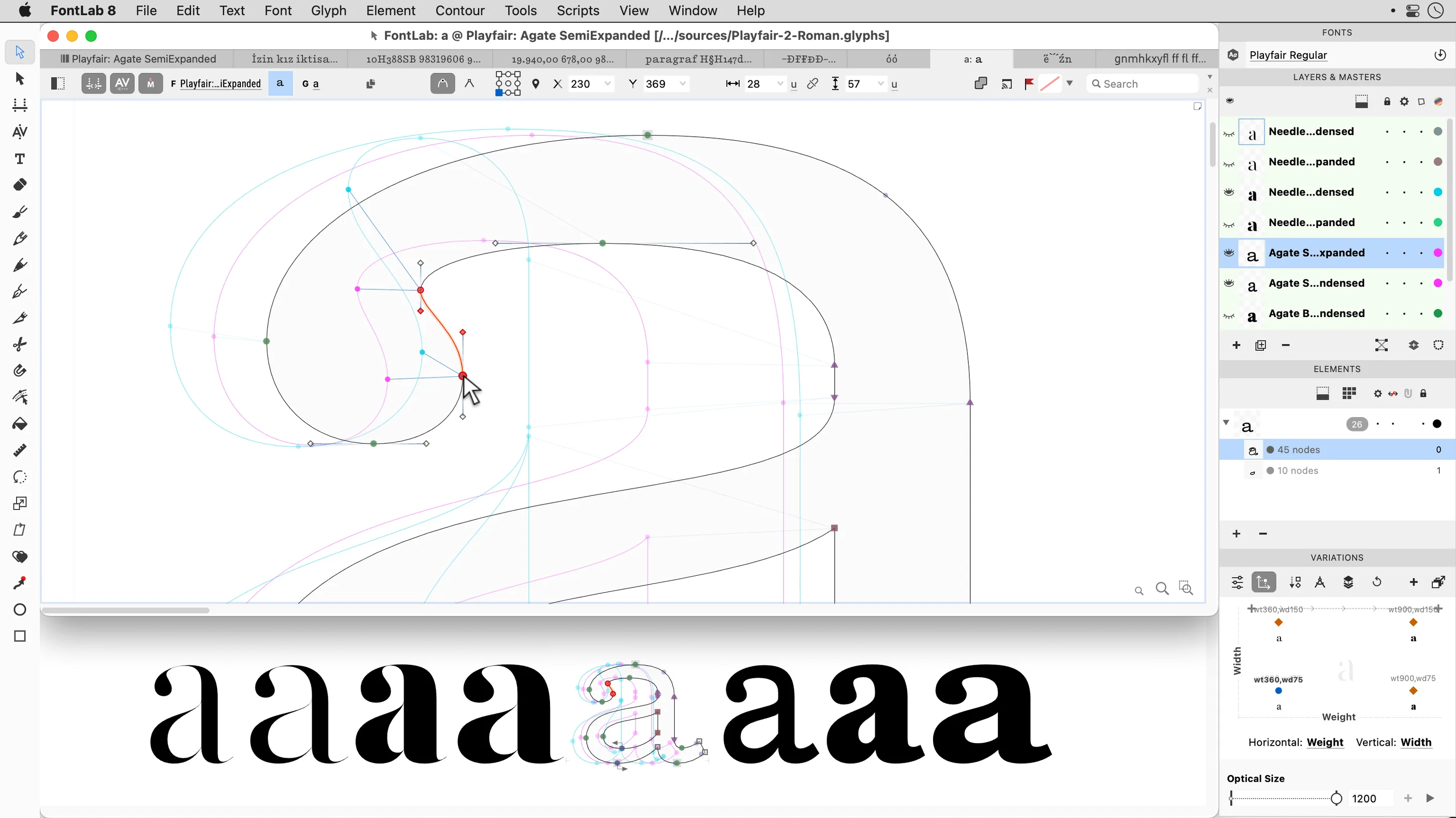
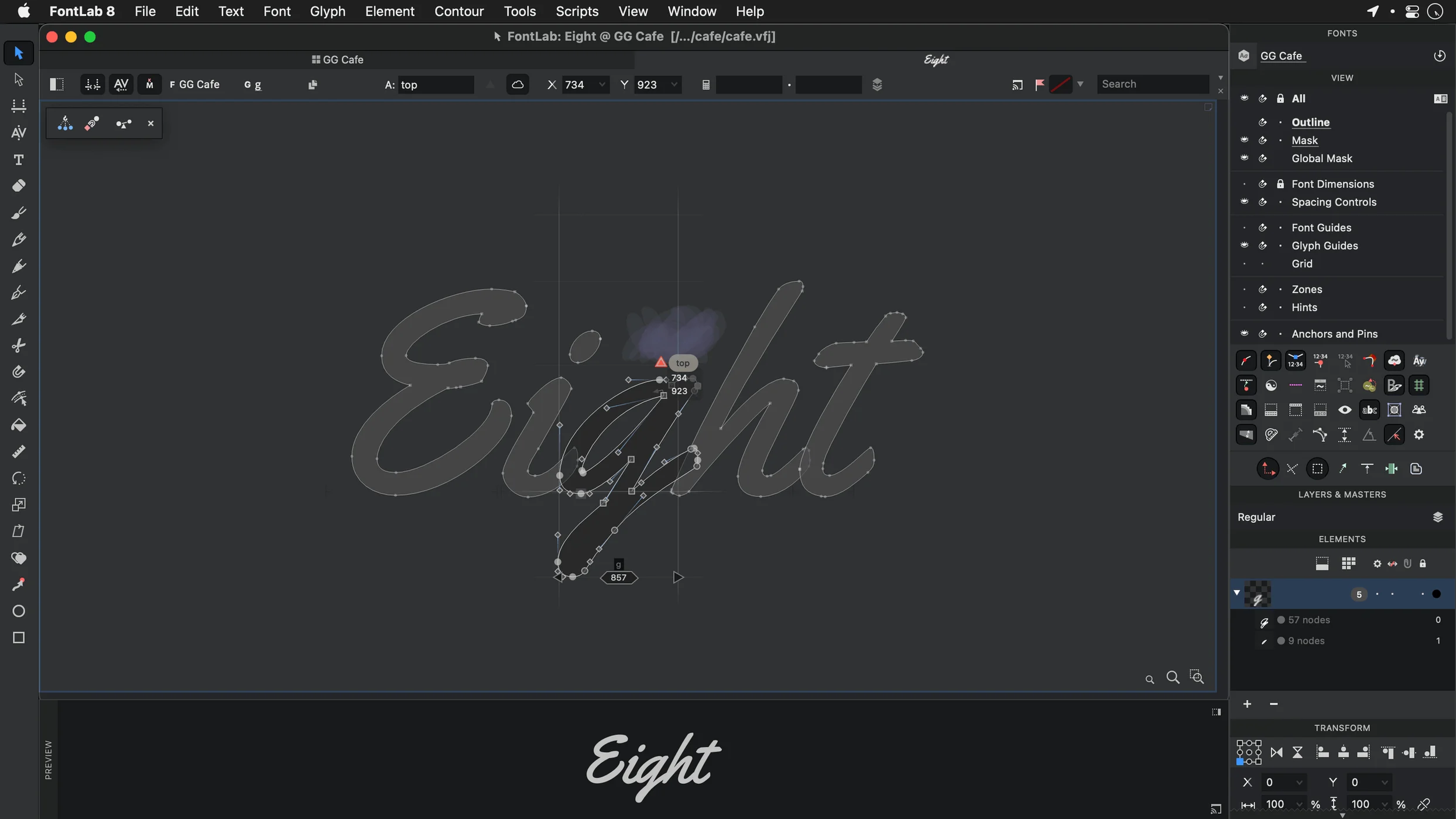
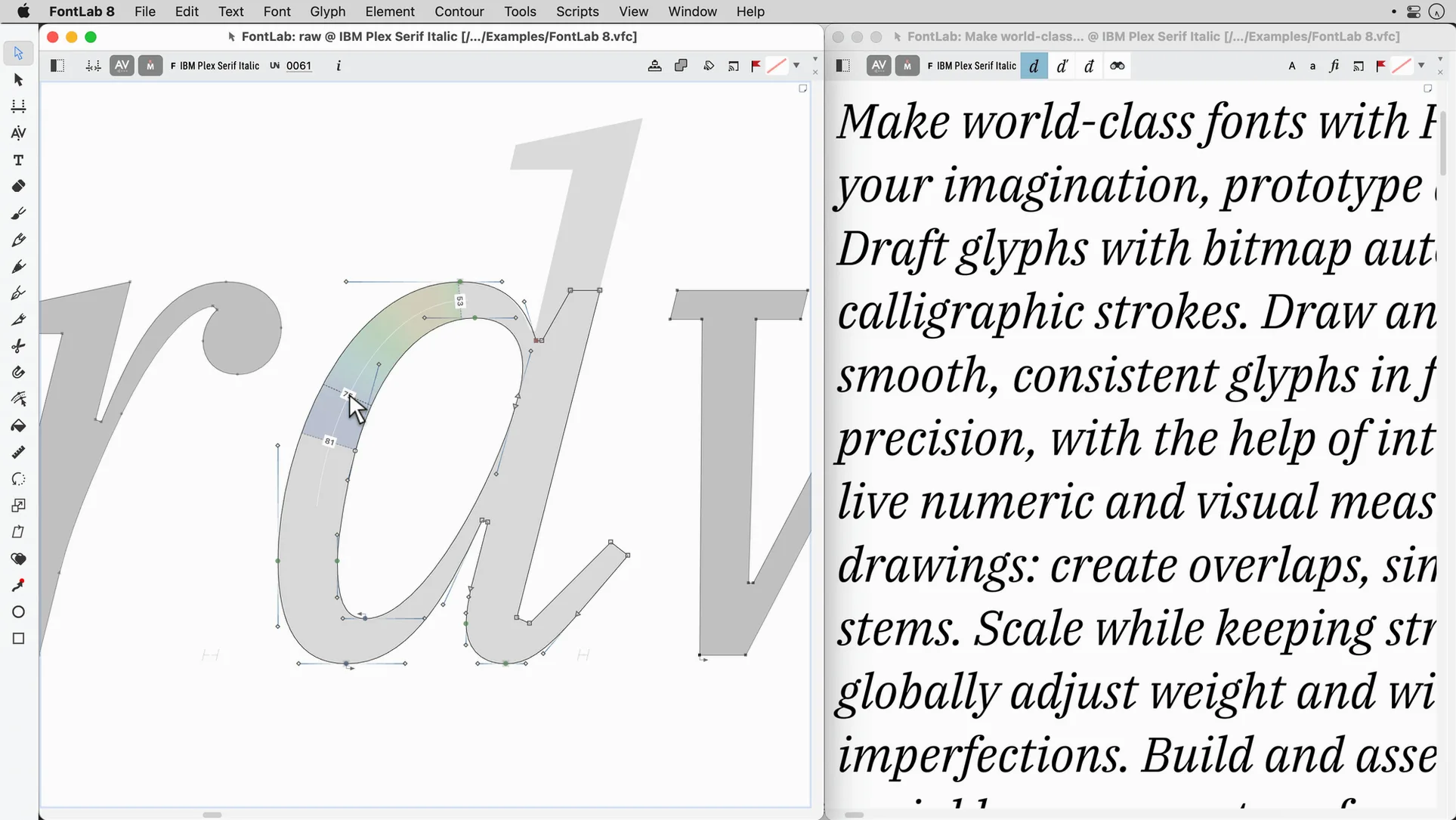
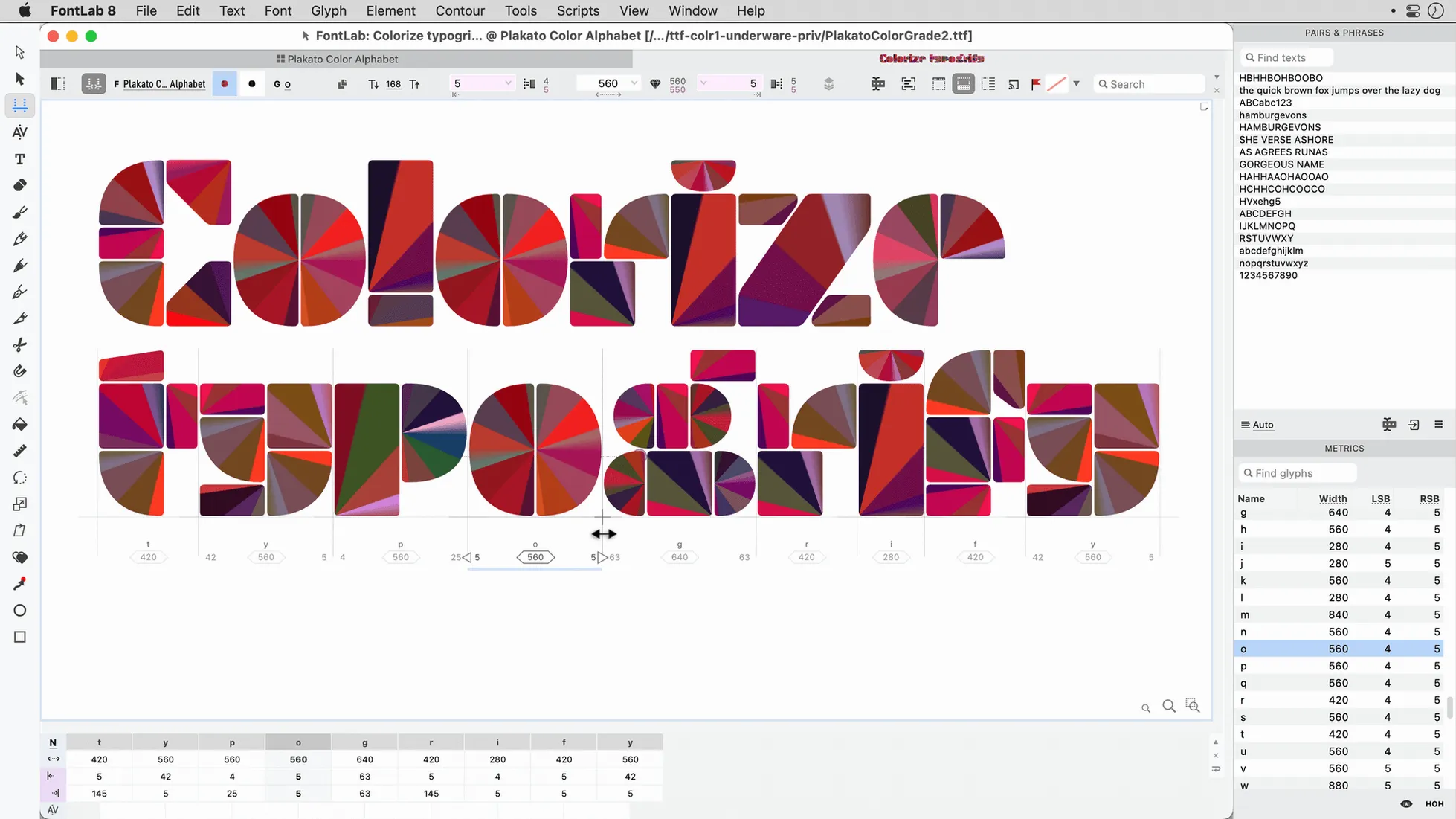
Vector drawing tools sit alongside drag-and-drop glyph placement. Over 200 undo levels let you explore without risk. Programmable font transformations handle batch tasks like weight interpolation or stem rounding across entire families.
Which font formats does it produce?
Setting the baseline grid before you draw
New users often jump into drawing before setting the font metrics. Skipping the baseline-to-baseline grid means inconsistent line spacing across weights. Get the vertical metrics right first.
- Drawing outlines with too many nodes. Excess points make curves lumpy and increase file size. Learn the minimum-node technique early.
- Ignoring the sidebearing values and relying on auto-spacing for everything. Auto is a starting point, not the final word.
- Not testing in a live text layout. A glyph can look perfect in the editor and fall apart at 10 pt in InDesign.
- Saving only the .vfc file. Export a working font file frequently and test it in a separate app.
Fitting FontLab into your toolchain
FontLab talks to the apps around it. Drop AI or EPS artwork directly onto the glyph window — vector fidelity holds. TIFF and BMP imports work for scans of hand-drawn letterforms you want to autotrace.
On the output side, macOS picks up fonts you install to ~/Library/Fonts. After export, the Font Book app loads your test font instantly. Toggle between FontLab and any Cocoa text app to catch spacing issues early.
Python scripting connects FontLab to batch-processing pipelines. Call external tools on exported UFO files, then reimport without leaving the project.
Deeper TrueType hinting and AAT table control
Glyphs favours a streamlined, single-window workflow aimed at Latin-centric type design. FontLab gives you deeper control over TrueType hinting, AAT tables, and legacy formats — areas where Glyphs keeps things simpler.
RoboFont is a scripting-first editor built around UFO. It expects you to assemble your own toolset via extensions. FontLab bundles more out of the box: batch transformations, the node editor, and built-in support for Type 1 exports that RoboFont delegates to external scripts.
FontForge handles many of the same formats and scripts for free. Its interface feels less Mac-native, and the curve-drawing precision requires more manual adjustment. FontLab's vector tools and real-time shaping preview save hours on complex projects.
People searching for a FontLab 8 torrent or a FontLab 8 crack often move from one of these alternatives and want to test the 8.4 workflow before committing. A FontLab 8 free download search usually leads to the same comparison: FontLab rewards the time you put into learning its depth, especially if you produce fonts for multiple scripts or need to deliver finished Type 1 and TrueType assets from one project.
You can output Mac TrueType fonts and ASCII/Unix Type 1 fonts. That covers legacy systems and modern desktop publishing workflows in one tool.
- 500 improvements over version 8
- 900 improvements over FontLab 7
- macOS 10.15 through macOS 26 Tahoe
- Intel processor
Questions the team asks
Yes. It includes shaping and editing support for Arabic and Hebrew scripts.
More than 200 undo and redo levels, so you can experiment freely.
Yes. Programmable font transformations let you automate batch changes across glyphs and masters.




Comments 0
Sign in or create an account to add a comment.
No comments yet. They go up after moderation.