

ON1 Photo RAW — Mac download
Download (1.1 GB) Earlier builds
Ticked
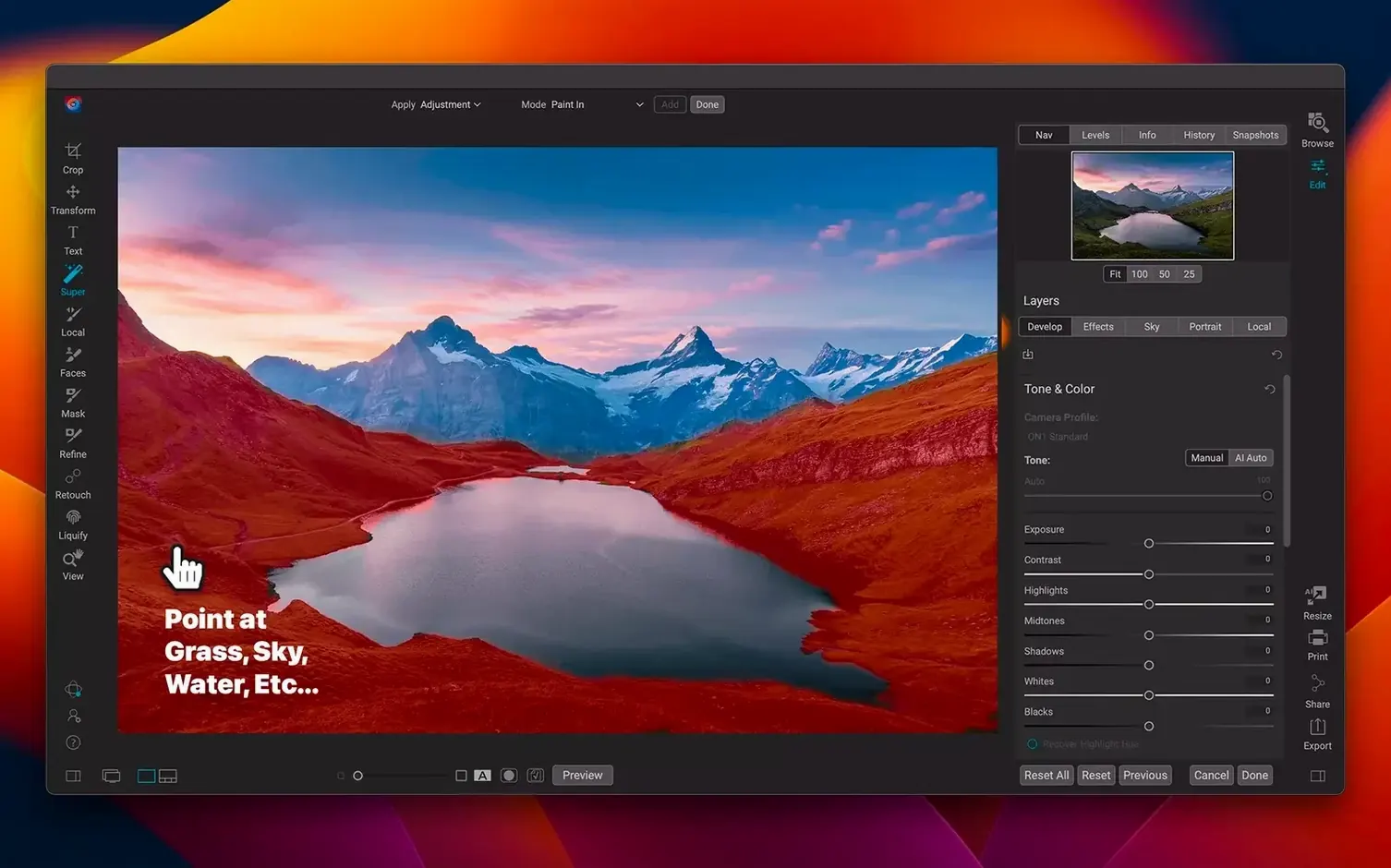
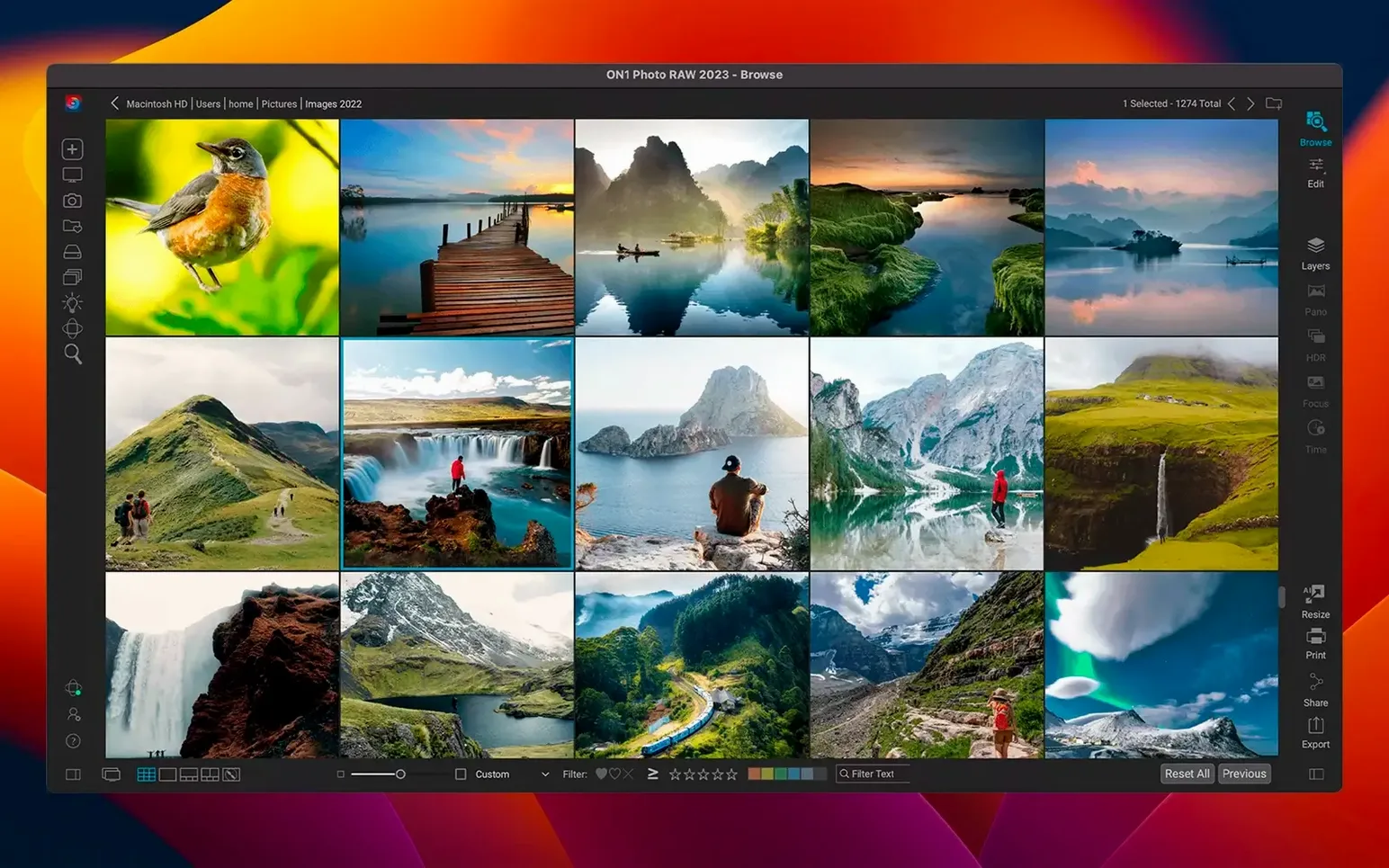
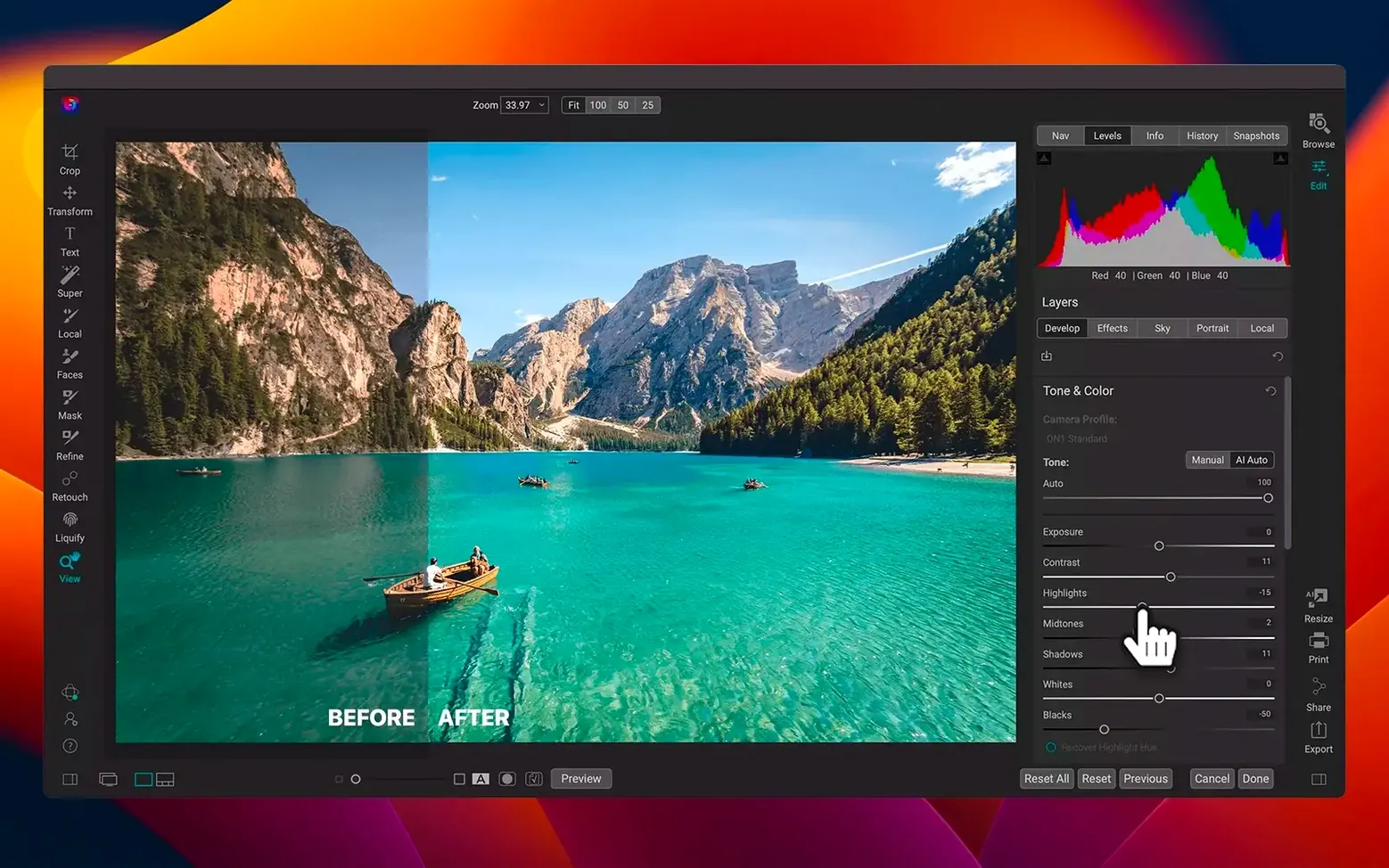
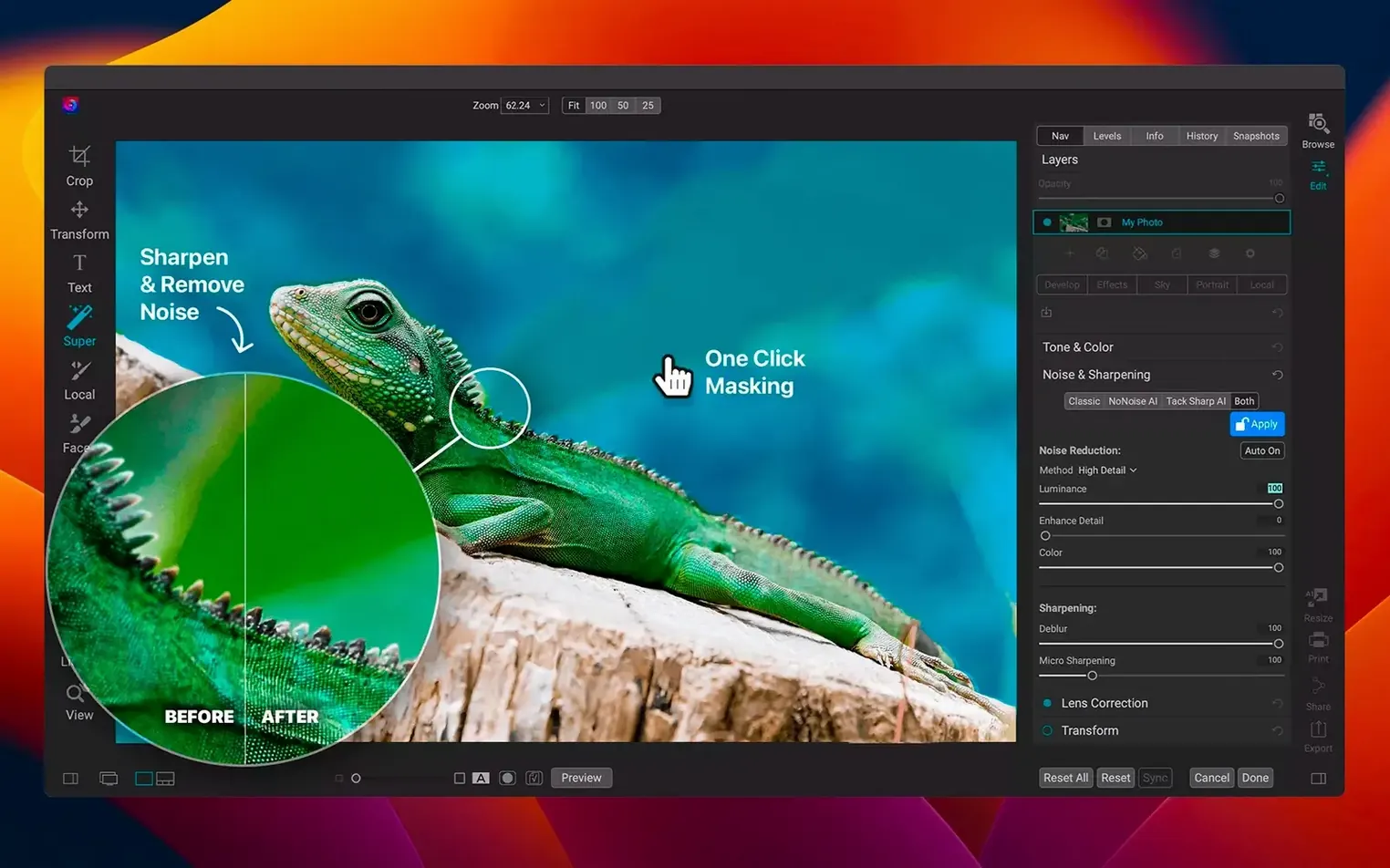
Runs on Apple Silicon and Intel 64-bit Macs with macOS 13 Ventura or later.
Finder replacement that catalogs locally, not from system folders
Finder replacement for photos — browse, cull and keyword images from a local catalogue, not a system folder.
RAW processor — develop raw files before sending a TIFF to another editor, or keep the whole job inside ON1.
Layered editor — composite and retouch with layers, masks and text. Replaces trips between Photos and a separate pixel editor.
Effects app — apply filters, presets and LUTs from a dedicated workspace. Stops you opening a second app for a quick look or grade.
Local workflow — view, organise, edit and share photos across computers and mobile devices. No cloud import step, no upload wait.
Switch on GPU acceleration to halve raw export times
- GPU acceleration — switch it on in Preferences > Performance. On Apple Silicon Macs this cuts export times in half for large raw batches.
- Default browse location — point the catalogue to your working photo drive. Leaving it on the system SSD fills it fast.
- File format for external editing — set it to 16-bit TIFF with ProPhoto RGB. The default 8-bit sRGB undoes the colour work you did in Develop.
- Scratch disk — move it to a fast external SSD. On a 256 GB internal drive, edits on layered 50 MP files run out of space before lunch.
- Thumbnail cache size — bump it to 80 GB or more if you browse a bulk folder weekly. A small cache rebuilds previews every time you scroll.
- Noise reduction previews — drop them to half resolution. Full-res previews slow the slider response to a crawl on Intel machines with integrated graphics.
Wedding photographer’s Monday morning
A wedding shooter returns with 2 200 raw files on a card. She opens ON1 Photo RAW, points Browse to the card, and tags keepers with star ratings at full screen. Rejects get a single-key reject flag. Twenty minutes later the cull is done.
She selects an altar shot, opens Develop, fixes the white balance with the eye-dropper on the bride’s dress, and lifts shadows a stop. One click sends the settings to the other 34 ceremony shots. No import, no catalogue sync — the edits live in sidecar files next to the raws.
Three hero shots go to the layered editor for skin cleanup. She brushes a subtle texture overlay onto the bouquet. Each edit stays non-destructive inside the .onphoto file, so she can undo the texture six weeks later when the client changes her mind.
Exports run overnight as full-res JPEGs and 16-bit TIFFs in parallel. The next morning she drags the JPEG folder into a shared cloud drive for client delivery. She never opened a second application.
Cold launch in under four seconds on an M1 Max
Launch from cold on an M1 Max takes under four seconds. Loading a folder with 800 45 MP raws builds thumbnails at roughly twelve images a second — fast enough that scrolling stays fluid before the first cup of coffee.
Develop module sliders respond without lag on Apple Silicon. Highlight recovery and lens correction apply in real time. On Intel Macs with dedicated GPUs, the same edits hold 30 fps at screen size, though AI masking adds a two-second pause per mask on older hardware.
Memory sits around 2.4 GB at idle with a 20 000-image catalogue open. A five-layer composite with two AI masks pushes it to 5.1 GB. The app releases RAM when you close a file — no creeping footprint across a working day.
Stability under the 2026.5.2 build is solid. Three all-day editing sessions with 1 500 raw files each produced no crashes. Autosave fires every five minutes by default, so the worst-case loss is a handful of slider nudges.
- Faster filters
- New lens profiles
- macOS 13 Ventura or later
- Apple Silicon or Intel 64-bit Mac
Questions the team asks
It requires macOS 13 Ventura or later.
Yes. It runs natively on both Apple Silicon and Intel 64-bit Macs.
The interface includes Russian, English, German, Spanish, Italian, Traditional Chinese, Korean, Dutch, Portuguese, French and Japanese.






Comments 0
Sign in or create an account to add a comment.
No comments yet. They go up after moderation.