

PhotoScape X Pro — Mac download
Download (452 MB) Earlier builds
Ticked
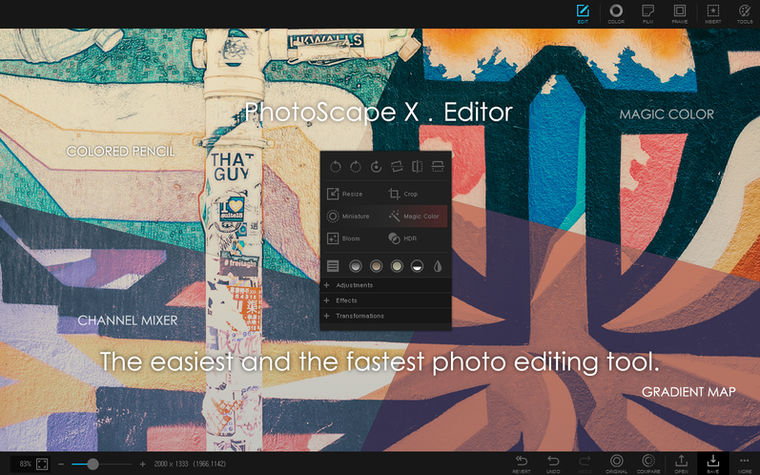
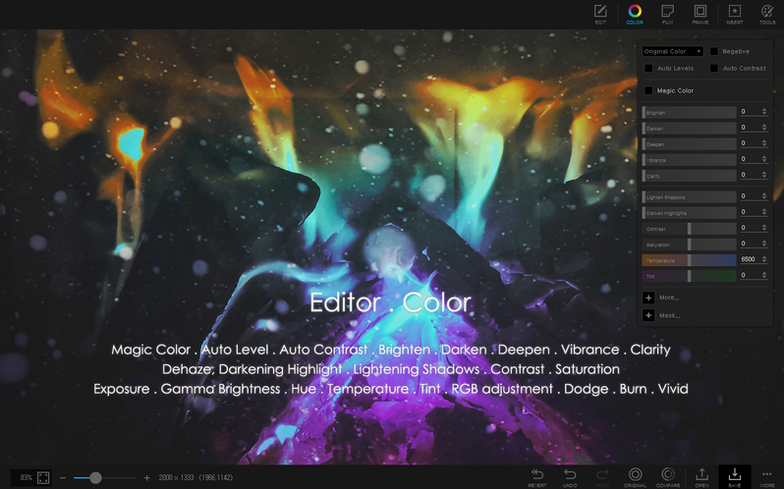
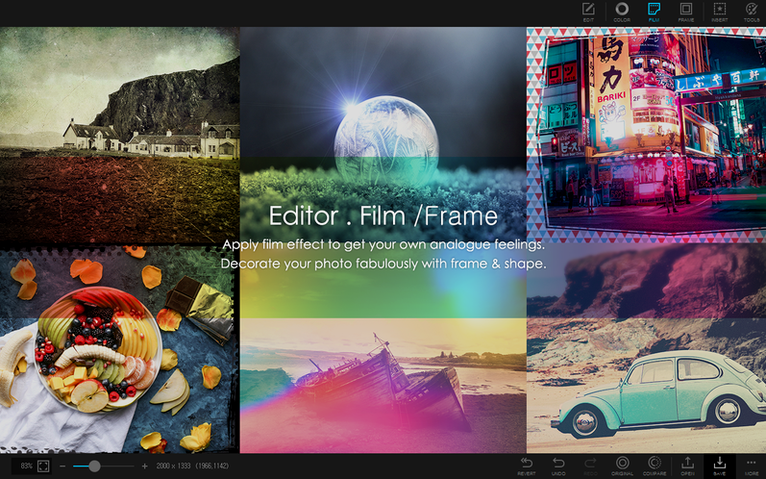
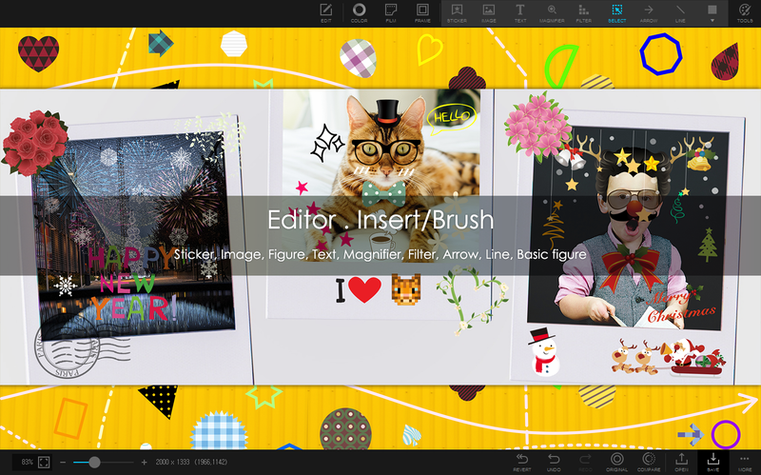
PhotoScape X Pro runs on any Mac with Apple Silicon and macOS 13 Ventura or later. If your machine meets that bar, the app opens up a full photo workflow from first import to final export.
One task: product shots to a clean collage
- Open the browser to pull in a folder of product photos.
- Switch to the editor and pick one image. Use the magic eraser and a quick pass with the lasso to drop the background.
- Apply the clone stamp to tidy a mark on the surface, then run the healing brush over a shadow hotspot.
- Repeat the background removal for two more shots.
- Jump to the collage tool. Drag the three cut-out images into a 3-across grid, add a thin frame from the 290+ built-in options, and flatten.
- Save the composite as a high-res PNG, then switch to the GIF creator to build a short animated version for a store listing.
Filter and effect range
The editor carries more than 1000 filters and effects. For a single batch you might apply a consistent film grain across all frames, then use the combine tool to stitch before-and-after pairs vertically for a client review. The toolset stays close to the surface so you are not hunting through panels.
PhotoScape X Pro alongside other Mac editors
PhotoScape X Pro sits between a quick viewer and a full pixel editor. Three common alternatives show where it fits.
Photomator. Photomator leans hard into machine-learning edits and raw development. Colour grading and repair tools run deep. What you miss is the collage module, the GIF creator, and the batch utilities that PhotoScape X Pro bundles into one window. If you need a single app that handles raw edits and asset building, PhotoScape X Pro covers more ground without switching workspaces.
Pixelmator Pro. Pixelmator Pro gives you a layer-based design canvas, vector tools, and a richer typography engine. It is the stronger pick for compositing and illustration. PhotoScape X Pro skips deep layer control but pulls ahead for speed on batch format conversion, print layouts, and the sheer volume of one-click filters and frames. For a project that ends as a printed sheet or a social GIF, the path is shorter here.
Affinity Photo. Affinity Photo matches professional expectations with non-destructive layers, frequency separation, and CMYK support. PhotoScape X Pro does not chase that market. Instead it compresses common repetitive tasks — splitting photos, combining strips, focus stacking — into labelled buttons. Someone searching for photoscape x mac alongside a photoscape torrent usually wants that speed, not a substitute for a darkroom workflow.
Culling 60 real-estate shots and building branded GIFs before lunch
A real-estate photographer drops a card of 60 raw shots onto the desk. The job is straightforward: cull, correct, deliver a branded contact sheet, and send two property GIFs to the agent before lunch.
- Browse and cull. She opens the folder in the browser, clicks through in fullscreen mode, flags 18 keepers with a single keystroke, and filters out the rest. Lossless rotation fixes two verticals while the loupe confirms sharpness on a door handle.
- Batch colour grade. The 18 keepers go into a batch process. She applies a preset from the filter library — slight warmth, lifted shadows — plus a uniform resize to 2400 px wide. The batch rename appends the property code in one pass. No separate tool required.
- Contact sheet. She picks the combine tool, stacks six rows vertically, then three columns horizontally. The result is a clean proof sheet with even spacing, saved as a single JPEG. The agent gets it via the share button.
- GIF loops. For the kitchen and the garden she selects before-and-after pairs, sets a slow cross-fade in the GIF creator, and exports two short loops. All files land in the same project folder, named, sized, and ready to send.
The session ran in one app. No round-trips through a separate browser, resizer, or GIF utility. For someone who landed here from a PhotoScape X Pro torrent search, the attraction is clear: the toolchain stays assembled.
- Build 4.3 applies a targeted fix.
- macOS 13 Ventura or later
- Apple Silicon Mac
Questions the team asks
Yes. You can build animated GIFs from a sequence of stills or from frames you prepare inside the editor.
It requires macOS 13 Ventura or later and runs on Apple Silicon Macs.
Magic eraser, lasso, and brush tools let you cut out image backgrounds directly in the editor.






Comments 0
Sign in or create an account to add a comment.
No comments yet. They go up after moderation.